
Digital displays: practical engagement strategies for educators
TL;DR:
- Digital displays can significantly boost student engagement and learning outcomes when used with intentional pedagogy. Effective strategies include keeping content fresh, designing interactive activities, and integrating displays into lesson plans and school culture. Proper training and balanced screen time are essential to maximize benefits and avoid potential drawbacks.
Screens in classrooms are sometimes dismissed as expensive slideshow tools. That perception needs to change. Empirical research shows a 12% average increase in academic scores alongside 90% student agreement that digital tools make lessons more interactive and easier to understand in secondary schools. Those are not marginal gains. They represent real shifts in how students absorb, retain, and engage with material. Yet many educators are still uncertain about how to harness this potential effectively. This article lays out evidence-backed strategies to help you move from simply having screens on the wall to using them as genuine engagement engines.
Table of Contents
- Defining student engagement and digital displays in education
- How digital displays impact engagement: evidence and classroom realities
- Design principles for effective educational displays
- Balancing screen time and avoiding pitfalls
- Practical tips for maximizing student engagement using displays
- What most educators miss about digital displays
- Discover digital signage solutions for schools
- Frequently asked questions
Key Takeaways
| Point | Details |
|---|---|
| Displays boost engagement | Digital displays can increase academic scores and student interaction when used thoughtfully. |
| Pedagogy is crucial | Teacher guidance and content variety are more important than technology alone for sustained engagement. |
| Balance screen time | Excessive use of digital displays can disrupt attention and autonomy, so moderation matters. |
| Design for interaction | Effective displays are designed to foster collaboration, awareness, and integration into activities. |
| Practical strategies work | Actionable steps like rotating content and involving students lead to higher engagement levels. |
Defining student engagement and digital displays in education
Building from those surprising numbers, we first need to be precise about what we actually mean by student engagement and what counts as a digital display.
Student engagement is not just about whether students are quiet and looking forward. Researchers typically break it into three dimensions:
- Behavioral engagement: showing up, participating, completing work
- Emotional engagement: feeling interested, connected, and motivated
- Cognitive engagement: applying effort to understand and think critically
All three dimensions matter. A student can be behaviorally compliant, physically present and silent, while being emotionally and cognitively checked out. Effective use of digital displays should ideally move all three needles.
Digital displays in education cover a broad range of hardware and software combinations. The main categories you will encounter include:
- Interactive flat panels and touchscreens: large-format touch-enabled screens that replace traditional whiteboards
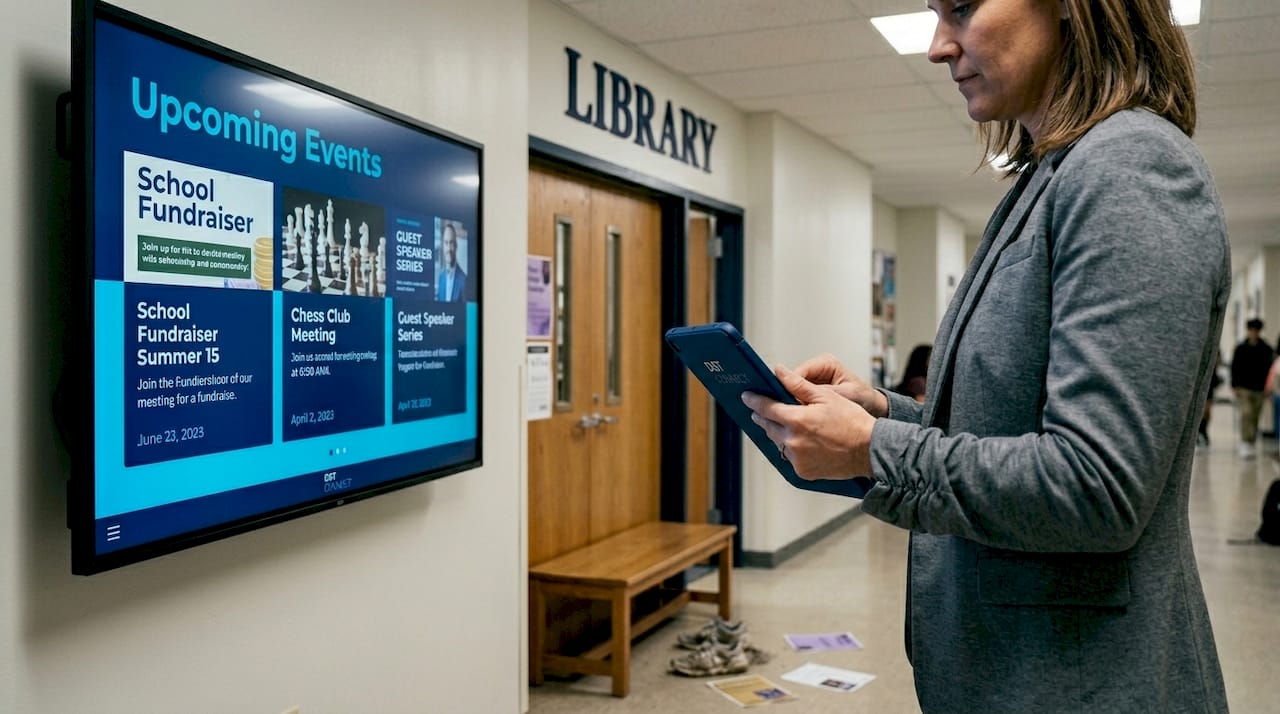
- Digital signage screens: non-touch displays installed in corridors, cafeterias, and reception areas to broadcast dynamic content
- Tablet-based and portable displays: student-facing devices that connect to a central content management system (CMS)
- Projection-based systems: digital projectors paired with interactive software layers
Each type serves a different purpose. Interactive panels shine during instruction. Signage screens excel at creating school culture, sharing announcements, and building community awareness. Interactive display examples show how schools are using these different formats to spark both in-class and hallway engagement.
The core benefits shared across all display types include real-time content updates, the ability to show rich visual media, and the capacity to create two-way interaction when paired with the right software. Understanding which tool fits which context is the starting point for any effective digital display strategy.
How digital displays impact engagement: evidence and classroom realities
With definitions set, let’s explore the empirical and practical realities of how displays actually affect engagement.
The data tells an encouraging story. Academic and participation gains from digital display adoption range from 12% improvements in test scores to 35% increases in active classroom participation, alongside 90% student approval ratings for interactivity. In non-classroom settings, digital signage has been shown to produce 20 to 46% lifts in attendance and resource usage when content is kept fresh and relevant.
Here is a summary of the key benchmarks:
| Metric | Range reported | Key condition |
|---|---|---|
| Academic score improvement | 12% average | Interactive display use in lessons |
| Student approval for interactivity | 90% | Secondary school settings |
| Participation increase | 12 to 35% | Active pedagogical design |
| Attendance or resource usage lift | 20 to 46% | Fresh, frequently updated signage |
These numbers are meaningful, but they come with an important caveat. Classroom observations reveal that even when interactive displays are present, learning tends to remain largely teacher-controlled and frontal, with limited true dialogic interaction between students. In other words, the screen alone does not guarantee engagement. Pedagogy drives the outcome.
“Interactive displays promote collaboration in theory, but without intentional instructional design, they often replicate the same one-way information delivery as a chalk-and-talk lesson.” This gap between perceived and actual engagement is one of the most important tensions for educators to understand.
Student perception of increased activity is positive, which builds motivation and attitudes toward learning. But if the display simply replaces a whiteboard without changing how the lesson is structured, the deeper cognitive and emotional engagement gains are left on the table.
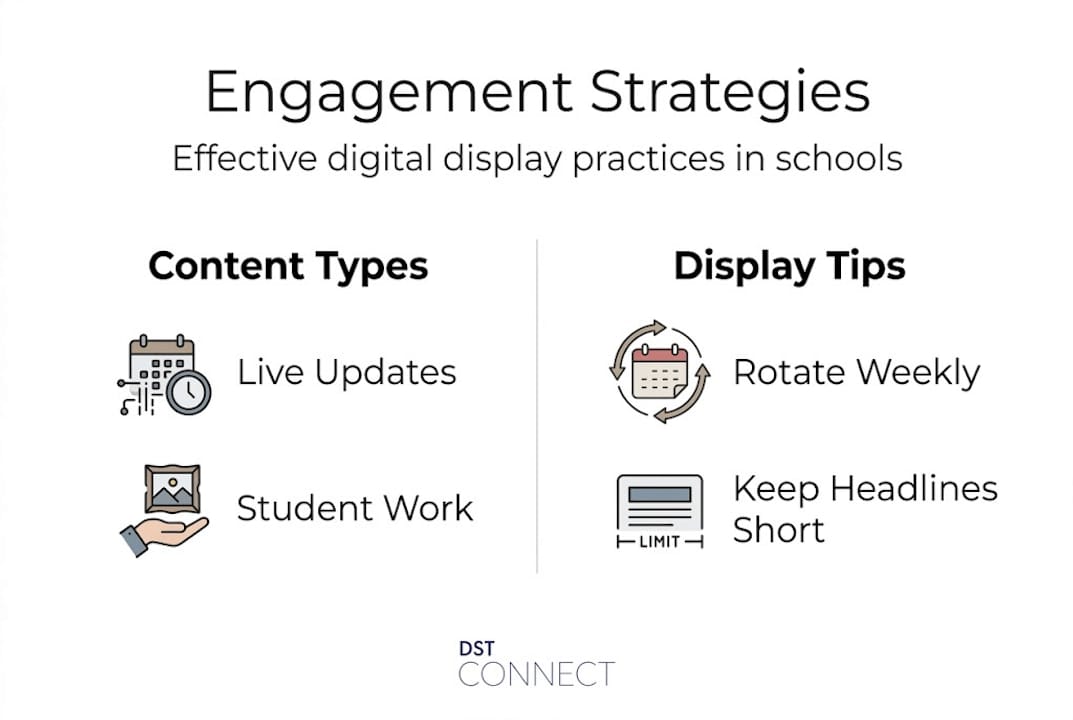
Pro Tip: Rotate your display content on a weekly basis at minimum. Stale slides or the same looping video will cause students to tune out within days. Use a CMS that lets you schedule fresh content automatically to maintain novelty and relevance. Browse digital screen strategies for practical content rotation ideas.
Linking display use to engaging display content approaches makes the difference between a screen that functions as wallpaper and one that actively pulls students in.
Design principles for effective educational displays
Knowing what works and what does not, we can identify design principles that optimize student engagement.
Research on interactive public displays in educational settings identifies four design goals that apply directly to school environments: fostering user adoption, encouraging social interaction, integrating displays into structured activities, and building display awareness so students and staff actually notice and use the screens rather than walking past them.
Here is a straightforward comparison of passive versus interactive display approaches:
| Dimension | Passive display | Interactive display |
|---|---|---|
| Content direction | One-way broadcast | Two-way participation |
| Student role | Observer | Contributor |
| Feedback mechanism | None | Real-time, visible |
| Social dynamic | Individual | Collaborative |
| Engagement depth | Surface attention | Cognitive involvement |
Passive displays still have value, particularly for announcements, countdowns, and ambient culture-building. But for instructional use, the design should shift toward interactive formats wherever possible.
To put these design goals into practice, follow these steps:
- Start with adoption-friendly interfaces. If a display requires more than two taps or clicks to interact with, students and teachers will avoid it. Choose hardware and software with intuitive, touch-first design.
- Design for pairs and small groups. Place display content that requires discussion or decision-making in pairs. A single question on the screen with a 60-second discussion prompt forces dialogic interaction.
- Integrate displays into lesson plans from the start. Retrofitting a display into an existing lesson rarely works. Plan the display interaction as a core activity, not an add-on.
- Extend displays beyond classrooms. Hallways, libraries, and common areas are underused engagement opportunities. A library display showing new arrivals or student book reviews creates awareness and drives usage.
- Build display awareness through surprise and novelty. Vary the visual style, format, and content type. A display that always looks the same becomes invisible.
Data-driven displays that pull in live information such as weather, event countdowns, or school achievement feeds are particularly effective at maintaining awareness because the content changes on its own.
Pro Tip: For hallway signage specifically, keep messages to seven words or fewer for the headline. Students are in motion. They have roughly three to five seconds of exposure. Design for that window, not for a seated reader.
Balancing screen time and avoiding pitfalls
To make the most of digital displays, educators must also be mindful of risks and implement safeguards.
Not all screen time is equal, but intensive use of digital displays without structure carries real risks. Teacher interviews in secondary schools point to three specific concerns: the fragmentation of knowledge when students jump between disconnected digital content, alterations in socio-cognitive processes when screen-mediated communication replaces face-to-face dialogue, and disruption of student autonomy when all information is delivered through a teacher-controlled screen.
These are not reasons to avoid digital displays. They are reasons to use them intentionally. Consider the following risk management strategies:
- Set screen-free discussion blocks. After a display-based activity, require a five to ten minute discussion without any screen involvement. This reinforces verbal communication and autonomous reasoning.
- Avoid display overload. Multiple screens competing for attention in one room dilutes focus. Use one primary display per instructional space and be deliberate about when it is active.
- Create structured transitions. When moving from a display activity to a written or hands-on task, verbally signal the shift. This helps students recalibrate their attention mode.
- Track engagement with analytics, not just instinct. Most modern digital signage platforms and CMS tools include analytics on content interaction, dwell time, and usage patterns. Use that data to refine your approach rather than relying on gut feeling.
- Account for teacher variability. Two teachers using identical hardware and software can produce dramatically different engagement outcomes depending on their instructional approach. Professional development is not optional.
Understanding display trends from adjacent industries like retail can also offer useful insights. Retail environments have learned that over-saturating customers with screens reduces the impact of each individual display. The same principle applies in schools.
Pro Tip: Establish a “display-on, display-off” protocol for your classroom. Students quickly learn when the screen is a focus tool versus when it is background noise. Consistency in that signal makes displays more powerful when they are active.
Practical tips for maximizing student engagement using displays
With risks managed, let’s turn to practical steps for getting the most out of digital displays in real school environments.
Research confirms that teacher pedagogy and training are the single biggest determinants of whether digital displays enhance or hinder engagement. Without intentional instructional design, even the most advanced display technology will reinforce passive learning patterns. Here are concrete steps to shift that dynamic:
- Assign students as content creators. Rotate student-produced slides, infographics, or short videos onto classroom or hallway displays. This builds ownership and investment. A student who knows their work will appear on the school’s main corridor screen is a motivated student.
- Use live polling integrated with displays. Tools that allow students to vote or respond via their devices, with results displayed instantly on the main screen, turn passive observation into active participation.
- Run display-based exit tickets. End lessons with a question on the display that students answer verbally or in writing before leaving. This closes the learning loop and gives you real-time formative data.
- Schedule display content around school rhythms. Morning announcements, lunchtime activity promotions, and end-of-day achievement highlights all serve different engagement functions. A content calendar ensures each moment gets the right message.
- Place collaborative challenges on communal displays. A math puzzle or trivia question in the library that changes weekly, with answers revealed the following week, drives repeated voluntary engagement.
- Connect displays to school-wide goals. Showing progress toward a school fundraiser target or a community reading challenge on hallway screens builds collective motivation and identity.
Digital display growth in corporate environments demonstrates that displays used for goal tracking and internal communication consistently outperform those used purely for broadcasting. Schools can apply the same principle to build community around shared milestones.
Pro Tip: Include rotating student-created content on at least one display in every shared school space. It does not need to be complex. A simple rotating gallery of student artwork or written work creates pride, encourages peers to stop and look, and builds a culture of visible achievement.
What most educators miss about digital displays
Having explored practical and evidence-backed strategies, it is time for a perspective that rarely gets discussed directly.
Most conversations about digital displays in schools focus on hardware specs. Resolution, screen size, touch sensitivity, connectivity. Those details matter, but they are almost never the reason a display succeeds or fails. The critical variable is almost always content freshness and pedagogical intent.
The 20 to 46% engagement lifts attributed to digital signage in educational settings come with a consistent qualifier: the content must be kept current and relevant. A beautiful 4K screen showing the same slide deck for three weeks will generate less engagement than a modest display updated daily with fresh, student-relevant content. Schools that invest heavily in hardware without investing equally in content strategy and teacher training are making a predictable and costly mistake.
The hospitality industry learned this lesson years ago. Digital signage in hotels and restaurants that shows dynamic, contextually relevant content, local events, daily specials, personalized welcome messages, consistently outperforms static or infrequently updated displays. Guest engagement is higher, dwell time increases, and satisfaction scores improve. The mechanism is the same in schools: relevance and freshness drive attention.
Workplace environments show a parallel pattern. Efficiency dashboards that update in real time keep teams engaged with shared goals in ways that weekly email updates simply cannot replicate. The screen is not doing the work. The live, meaningful data is doing the work.
For educators, the practical implication is straightforward. Before requesting budget for a new display, make sure you have a content plan, a teacher trained to execute it, and a CMS that makes updates fast and simple. A great content strategy on a modest screen will outperform a poor content strategy on a premium display every single time.
Discover digital signage solutions for schools
For educators and administrators ready to act on these strategies, purpose-built digital signage software is the most practical next step. DST Connect offers a cloud-based platform with over 700 professionally designed templates, a drag-and-drop editor that requires no design background, and multi-screen management tools that let you update content across an entire campus in minutes. The platform supports Android, Windows, and URL-based media players, making it compatible with hardware you may already have in place. For schools serious about building teacher capability alongside technology, the DST Academy training provides structured learning to help your team implement digital signage with confidence and clear instructional purpose from day one.
Frequently asked questions
What types of digital displays are most effective for student engagement?
Interactive digital displays and signage with timely, frequently updated content are most effective, as research confirms they foster collaboration, boost participation rates, and drive higher student approval scores.
How do digital displays affect student autonomy and attention?
Intensive screen use can fragment knowledge and disrupt student attention and autonomy, which means moderation, structured transitions, and intentional pedagogical design are all necessary safeguards.
Is teacher training required for effective use of displays?
Yes, absolutely. Without strong pedagogy and training behind the technology, displays tend to reinforce passive, teacher-fronted learning rather than the collaborative and dialogic engagement that produces real gains.
What are the risks of relying heavily on digital displays?
Overuse leads to cognitive fragmentation and reduced autonomy, which means schools need balanced integration, screen-free activity blocks, and regular content variety to prevent diminishing returns.
Are digital displays useful outside the classroom?
Yes, and they are significantly underused in those spaces. Design research shows that displays in hallways, libraries, and communal areas maximize engagement when they foster social interaction and integrate into structured school activities.
Recommended
Enjoyed this blog?
Continue with the previous or next article and discover more ideas, insights and inspiration from DST Connect.