
Office digital displays: 5 reasons they drive growth
TL;DR:
- Office digital displays are essential tools that improve communication speed, engagement, and operational efficiency.
- They offer measurable ROI by reducing costs, staff workload, and errors compared to traditional methods.
- Success depends on strategic content management and regular updates, not just the hardware investment.
Many business leaders still view office digital displays as an expensive add-on rather than a core communication tool. That assumption costs more than you might expect. When teams miss critical updates, visitors receive a poor first impression, and managers spend hours manually distributing information, the real price of inaction adds up fast. This article walks you through the communication problems modern offices face, the measurable benefits of digital displays, the financial case for investing, and practical ways to implement them. Whether you manage one office or fifty, the evidence points in one direction: digital displays are not a luxury. They are a competitive advantage.
Table of Contents
- The communication challenges offices face today
- Key benefits of digital office displays
- Cost-effectiveness and ROI of office digital displays
- Practical applications and future trends
- Our take: Digital displays are more than just screens
- Explore DST Connect solutions for office digital displays
- Frequently asked questions
Key Takeaways
| Point | Details |
|---|---|
| Boosts communication clarity | Digital displays break through clutter, delivering fast, clear messages to staff and visitors. |
| Delivers strong ROI | Investment in digital office displays pays off by reducing manual labor and ongoing costs. |
| Drives engagement and productivity | Real-time visual information maximizes attention and empowers staff to act quickly. |
| Futureproofs office operations | Cloud-based, automated signage adapts to future communication needs across multiple locations. |
The communication challenges offices face today
Office communication has never been more complex. Teams are distributed, schedules are packed, and information moves faster than ever. Yet most organizations still rely on email chains, printed memos, and shared drives to keep everyone aligned. These tools were not built for the speed or scale of modern business.
The result is predictable. Messages get buried. Updates arrive too late. Employees act on outdated information. According to data on the rising demand for digital signage, a significant percentage of offices report communication breakdowns that directly impact productivity. That is not a minor inconvenience. It is a structural problem that compounds daily.
Consider what a typical communication breakdown looks like in practice:
- A shift change happens, but the updated safety protocol never reaches the floor team
- A visitor arrives at reception while the relevant employee is unaware of the meeting
- A company-wide announcement sits unread in an inbox for two days
- A department operates on last quarter’s performance targets because no one updated the shared dashboard
These are not edge cases. They happen in offices of every size, across every industry.
“The biggest communication failures are rarely dramatic. They are the small, daily gaps that nobody notices until the damage is done.”
Digital displays change this dynamic by making information visible, immediate, and impossible to ignore. A screen in a common area, a lobby, or a break room delivers updates the moment they are published. No email required. No printed memo to distribute. The message simply appears where people already are.
This shift from passive to active communication is what makes digital signage so effective in office environments. It removes the dependency on individuals checking the right channel at the right time. Instead, the information finds the audience. That is a fundamentally different model, and it solves problems that email and print simply cannot.
Having established the stakes of office communication, let’s examine how today’s challenges call for new solutions.
Key benefits of digital office displays
Now that we’ve identified the gaps in office communication, let’s explore how digital displays directly solve them.
Digital displays deliver value across several dimensions. The most immediate is speed. When leadership needs to share a policy update, a safety alert, or a schedule change, a cloud-based display system pushes that content to every screen in seconds. No printing, no distribution, no waiting.
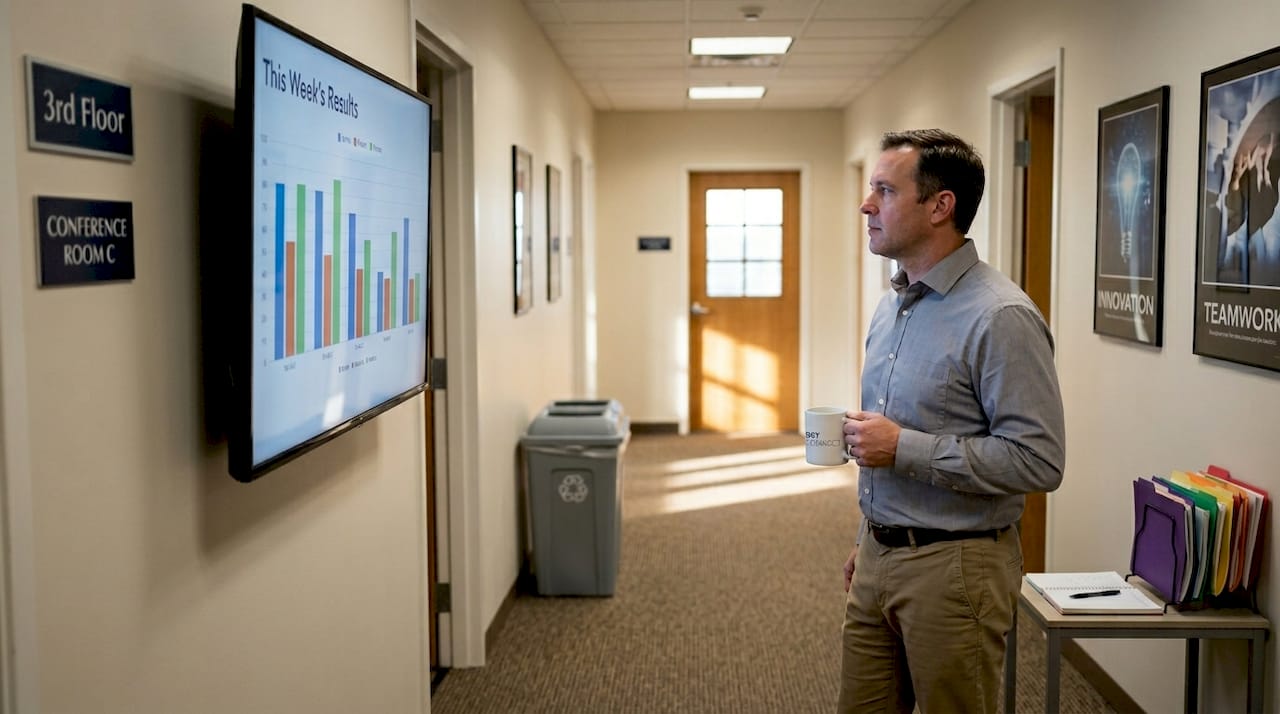
Here is a direct comparison between traditional and digital communication methods in office settings:
| Feature | Traditional methods | Digital displays |
|---|---|---|
| Update speed | Hours to days | Seconds |
| Reach | Limited by distribution | All screens simultaneously |
| Cost per update | Printing and labor | Near zero |
| Engagement rate | Low | Significantly higher |
| Personalization | Manual and slow | Automated and targeted |
The engagement advantage is well documented. Digital signage increases engagement by 37%, which translates directly into better-informed employees and more effective internal campaigns.
The key benefits of digital office displays include:
- Centralized content management: One dashboard controls all screens, eliminating inconsistencies across departments or locations.
- Real-time updates: Content changes the moment you publish, keeping everyone on the same page instantly.
- Reduced print costs: Eliminating printed notices, posters, and memos cuts recurring overhead significantly.
- Higher employee engagement: Visual content in common areas captures attention more effectively than email.
- Improved visitor experience: Lobby displays set a professional tone and guide guests without requiring staff intervention.
Pro Tip: Use digital displays in break rooms and hallways to share performance metrics and team wins. Employees who see their own results displayed publicly tend to feel more recognized and motivated.
For inspiration on what works in practice, interactive digital display examples show how organizations across industries use screens to drive engagement. The same principles apply whether you are focused on internal teams or external visitors. Offices in the hospitality sector, for instance, have found that enhancing guest experience through lobby displays measurably improves satisfaction scores.
The bottom line is that digital displays do not just replace old communication tools. They upgrade the entire communication model.
Cost-effectiveness and ROI of office digital displays
Understanding the benefits, we next need to see whether the investment makes financial sense.
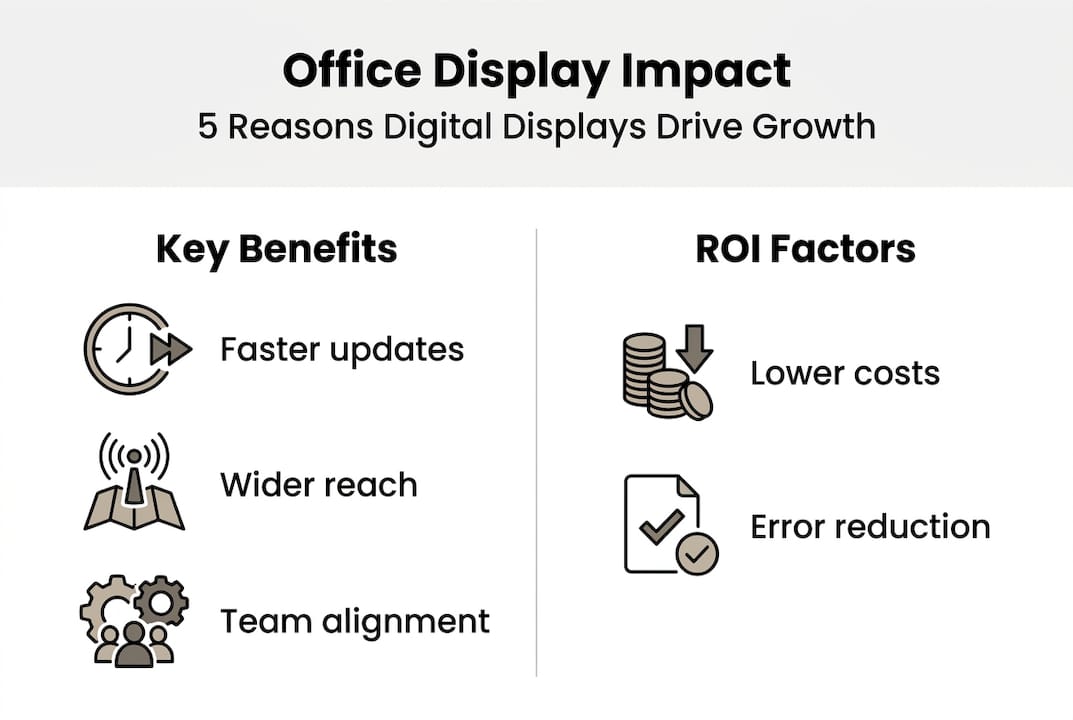
The upfront cost of digital displays is the number most decision-makers focus on. Hardware, software, and installation all require budget. But this view ignores what you are currently spending to communicate without them.
Consider the ongoing costs of traditional office communication:
| Cost category | Traditional approach | With digital displays |
|---|---|---|
| Printing and materials | High, recurring | Eliminated or minimal |
| Staff time for updates | Several hours per week | Minutes per week |
| Error correction costs | Frequent | Rare |
| Visitor management | Staff-dependent | Partially automated |
The math shifts quickly. Digital office displays reduce staff time spent on manual updates, freeing employees to focus on higher-value work. If a communications coordinator spends three hours a week printing, distributing, and updating physical notices, that is over 150 hours per year. At any reasonable hourly rate, the savings alone can offset a significant portion of the display investment.
Key ROI drivers to track:
- Reduction in printing and materials costs
- Staff hours recovered from manual communication tasks
- Faster response time during emergencies or policy changes
- Improved employee retention linked to better internal communication
- Reduced onboarding friction through always-current display content
For a practical breakdown of how to get the most from your setup, signage optimization tips outline the technical and strategic steps that maximize return. And if you want a step-by-step approach to setup, the display optimization process covers implementation from planning through measurement.
One often-overlooked ROI factor is error reduction. When information is wrong in a printed document, correcting it costs time and money. On a digital display, a correction takes seconds. That alone reduces operational risk in fast-moving environments.
The financial case for digital displays is not speculative. It is built on replacing recurring costs with a one-time or subscription-based investment that scales without proportional increases in expense.
Practical applications and future trends
Once the financial picture is clear, it’s time to see where and how digital displays make the most impact.
Digital displays work across every area of an office environment. The use cases are broader than most organizations initially expect, and the technology continues to evolve in ways that make implementation easier and more effective.
Common applications in office settings include:
- Lobby and reception displays: Welcome visitors, share company information, and guide guests without requiring staff to be present at all times
- Team performance dashboards: Show real-time KPIs, sales figures, or project milestones to keep teams aligned and motivated
- Emergency alerts: Push critical safety information to every screen instantly, ensuring no one misses an urgent message
- Meeting room signage: Display room availability and schedules outside conference rooms to reduce booking conflicts
- HR and internal communications: Announce policy updates, benefits information, and company events in high-traffic areas
Emerging trends are making these applications even more powerful. Cloud-based signage and template systems drive efficiency by allowing content teams to manage hundreds of screens from a single interface, with no on-site technical support required. Automation tools can pull live data feeds, such as weather, stock prices, or internal metrics, and display them dynamically without manual input.
Pro Tip: Start with two or three high-traffic locations before scaling across the office. This lets you test content strategies and gather feedback before committing to a full rollout.
Future-proofing your investment means choosing platforms that support multiple hardware types and operating systems. A solution that works across Android, Windows, and browser-based players gives you flexibility as your office setup evolves. For content strategy, display template strategies help you build a library of reusable designs that keep your screens looking professional without requiring a designer on staff. And for ongoing content ideas, content creation for displays provides practical guidance on what to show and when.
The organizations that get the most from digital displays are those that treat content as an ongoing practice, not a one-time setup task.
Our take: Digital displays are more than just screens
With practical applications analyzed, here’s a candid industry perspective decision-makers rarely see.
Most organizations that underperform with digital displays share one common mistake: they focus on the hardware and forget the strategy. A screen on a wall is just a screen. What makes it valuable is the process behind it, who owns the content, how often it updates, and whether it connects to real business goals.
We have seen offices invest in high-quality displays only to run the same slide deck for six months. The screens become wallpaper. Employees stop looking. The ROI disappears.
The offices that succeed treat their displays the way a good editor treats a publication. Content is reviewed regularly, updated based on what the audience needs, and measured for impact. That discipline is what separates a useful communication tool from an expensive decoration.
The contrarian truth is this: the technology is the easy part. Any modern signage platform, including those designed for guest experience insights and internal communications alike, is capable of delivering excellent results. The hard part is building the internal habit of keeping content fresh and relevant. Organizations that commit to that habit see compounding returns over time.
Explore DST Connect solutions for office digital displays
Ready to act on these insights and unlock new communication potential? DST Connect offers digital signage software built for organizations that want flexible, scalable communication without technical complexity. With over 700 professionally designed templates, a drag-and-drop editor, and a cloud-based dashboard that manages screens globally, getting started is straightforward. The platform supports a wide range of signage hardware solutions, including Android, Windows, and URL-based media players, so it fits your existing setup. A 14-day free trial gives you a risk-free way to experience the full platform. No commitment required. Start improving your office communication today.
Frequently asked questions
What types of messages are best shared via office digital displays?
Digital displays excel for urgent alerts, event announcements, performance dashboards, and company news, delivering real-time visibility. A strong content strategy for engagement ensures your screens always show relevant, timely information.
How can I measure ROI for digital signage in my office?
Monitor changes in staff productivity, communication speed, and cost reductions in printing to quantify your signage ROI. Digital signage improves productivity and reduces the manual effort teams spend on routine communication tasks.
Is digital signage scalable for multiple office locations?
Yes, cloud-based digital display systems are designed to update, coordinate, and manage messaging across many locations easily. The efficiency of cloud signage makes multisite management practical even for lean teams.
Can digital displays personalize messages for different teams or departments?
Modern signage platforms support tailored content for specific departments, ensuring only relevant information is displayed. Flexible content template systems allow customization without requiring design expertise.
Recommended
Enjoyed this blog?
Continue with the previous or next article and discover more ideas, insights and inspiration from DST Connect.