
Pro AV tips for signage: optimize displays in 2026
Selecting the right professional audiovisual strategies for digital signage determines whether your displays captivate audiences or fade into the background. Marketing and IT professionals face mounting pressure to integrate sophisticated AV solutions that balance performance, budget, and scalability across diverse organizational environments. This guide delivers actionable criteria, hardware comparisons, and software insights to help you deploy signage that drives real engagement in 2026.
Table of Contents
- Criteria For Selecting Pro AV Solutions For Digital Signage
- Top Pro AV Hardware Options For Effective Signage
- Leading Digital Signage Software Platforms To Boost Engagement
- Comparing Pro AV Signage Solutions: Which Is Right For Your Organization?
- Enhance Your Digital Signage With DST Connect Solutions
Key takeaways
| Point | Details |
|---|---|
| Evaluate compatibility | Assess how AV hardware and software integrate with your existing infrastructure and content management systems. |
| Compare leading solutions | Review top hardware options and software platforms to identify features that match your operational needs. |
| Analyze pros and cons | Use structured comparisons to weigh performance, cost, and scalability for informed decisions. |
| Leverage expert strategies | Apply pro tips and budget optimization techniques to maximize signage impact without overspending. |
Criteria for selecting pro AV solutions for digital signage
Choosing effective audiovisual equipment and software requires evaluating multiple technical and operational factors that directly impact deployment success. You need solutions that integrate smoothly with your current systems while delivering reliable performance over years of continuous operation.
Start by assessing compatibility with your existing infrastructure and content management platforms. Hardware that works seamlessly with your current network architecture and software ecosystem eliminates costly integration delays and reduces technical support burdens. Choosing the right audiovisual hardware becomes critical when deploying systems across multiple locations or venues.
Reliability and maintenance requirements shape your long term operational costs significantly. Commercial grade displays with proven durability ratings and accessible service parts minimize downtime and replacement expenses. Look for equipment backed by comprehensive warranties and responsive manufacturer support networks.
Software capabilities determine how efficiently your team manages content updates and scheduling workflows. Platforms offering intuitive interfaces, drag and drop editors, and automated scheduling reduce training time and enable rapid content changes. Cloud based dashboards that support remote management across multiple screens become essential for organizations operating distributed signage networks.
Scalability considerations ensure your investment grows with your organization’s evolving needs. Select modular systems that accommodate additional screens, advanced features, and increased content complexity without requiring complete infrastructure overhauls. Budget planning should account for total cost of ownership, including hardware, software subscriptions, maintenance, and content creation resources.
Pro Tip: Create a weighted scoring matrix that ranks each solution against your specific criteria, assigning higher values to must have features versus nice to have capabilities. This systematic approach eliminates emotional bias and produces data driven recommendations that stakeholders can confidently approve.
Top pro AV hardware options for effective signage
Professional grade hardware forms the foundation of any successful digital signage deployment, with display quality and media player capabilities directly influencing audience engagement and content delivery reliability.
High definition commercial displays now offer resolutions from 1080p to 8K across screen sizes ranging from 32 to 98 inches, enabling precise matching to viewing distances and venue layouts. Brightness ratings between 500 and 3000 nits ensure visibility in environments from dimly lit lobbies to sunlit storefronts. Hardware selection influences both visual impact and operational longevity.
Media players supporting multiple content formats, including video codecs like H.264 and H.265, ensure compatibility with diverse content libraries. Android based players offer app flexibility, while dedicated signage players provide purpose built stability and remote management capabilities. Cloud connected devices enable real time updates and troubleshooting without requiring on site technician visits.
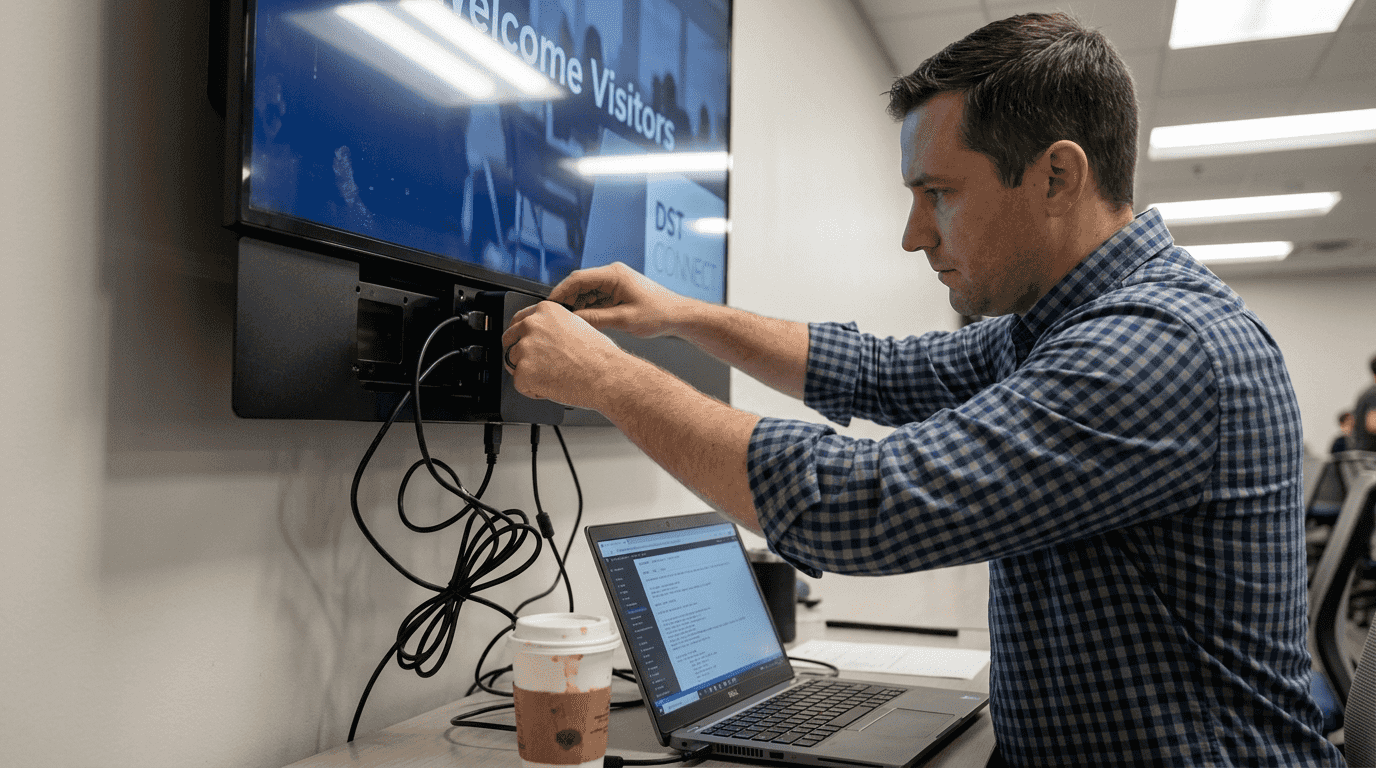
Mounting and cabling solutions determine installation aesthetics and long term maintainability. Articulating wall mounts accommodate viewing angle adjustments, while ceiling mounts optimize space in high traffic areas. Cable management systems that conceal power and data connections create professional appearances that reflect positively on your brand.
Power efficiency features reduce operational costs substantially across large deployments. ENERGY STAR certified displays consume 30 to 50 percent less electricity than standard models, translating to meaningful savings over five to seven year lifecycles. Environmental durability ratings for temperature, humidity, and dust resistance ensure reliable operation in challenging conditions from outdoor kiosks to industrial facilities.
Pro Tip: Prioritize hardware with modular components that allow field replacement of key parts like power supplies and controller boards, dramatically reducing repair costs and minimizing screen downtime during maintenance events.
Leading digital signage software platforms to boost engagement
Software platforms transform static hardware into dynamic communication tools, with the right solution enabling seamless content creation, scheduling, and performance monitoring across your entire signage network.
Intuitive interfaces reduce onboarding time for marketing and IT teams who may lack specialized design or technical training. Drag and drop editors, pre built template libraries with over 600 professionally designed options, and visual preview tools empower users to create compelling content without graphic design expertise. This accessibility ensures consistent content quality even when team members rotate or workloads shift.
Automated scheduling capabilities let you program content changes by time of day, day of week, or triggered events, ensuring messages remain relevant without manual intervention. Remote update functionality allows instant content deployment to single screens or entire networks from any location with internet access. Real time data feed integration pulls live information like weather, social media streams, or inventory levels directly into your displays.
Integration capabilities with CRM platforms, analytics tools, and marketing automation systems create unified communication ecosystems. APIs and webhooks enable custom workflows that trigger content changes based on business events or customer behaviors. Multi user access controls with role based permissions maintain security while enabling collaborative content management.
Pro Tip: Leverage trial periods and product demos to test software with your actual content and workflows before committing to annual subscriptions, ensuring the platform truly matches your team’s working style and technical capabilities.
Comparing pro AV signage solutions: which is right for your organization?
Structured comparison of complete hardware and software combinations reveals which solutions deliver optimal value for your specific organizational context, industry requirements, and growth trajectory.
Performance metrics like content refresh rates, resolution support, and concurrent screen management capacity directly impact user experience and operational efficiency. Solutions offering 4K resolution support and sub second content updates provide flexibility for high impact applications like retail promotions or corporate lobbies. Effective digital signage solutions balance technical capabilities with practical deployment realities.
Cost considerations extend beyond initial purchase prices to encompass software subscriptions, maintenance contracts, and content creation resources. Entry level systems suit smaller deployments with basic requirements, while enterprise solutions support complex multi location networks with advanced features. Calculate three year total cost of ownership to compare solutions fairly.
Ease of use factors determine how quickly your team achieves productivity and how much ongoing training investment you need. Platforms requiring minimal technical knowledge enable faster rollouts and reduce dependence on specialized IT resources. Customer support responsiveness and software update frequency indicate vendor commitment to long term product evolution and security.
Scalability characteristics reveal whether solutions accommodate organizational growth without forcing expensive migrations. Systems supporting incremental screen additions, feature upgrades through software updates, and flexible licensing models protect your investment as requirements expand.
- Match basic content needs with affordable hardware and entry level software to minimize upfront investment
- Select mid tier solutions when managing 10 to 50 screens across multiple locations with moderate content complexity
- Deploy enterprise platforms for organizations requiring advanced integrations, analytics, and centralized control over hundreds of screens
- Prioritize vendor stability and product roadmap transparency to ensure long term support availability
- Verify cloud infrastructure reliability and data security certifications for solutions handling sensitive organizational information
Enhance your digital signage with DST Connect solutions
Navigating the complex landscape of pro AV options becomes significantly easier when you partner with proven platforms designed specifically for organizational signage challenges. DST Connect combines user friendly software with reliable hardware options for digital signage deployments in retail, hospitality, corporate, educational and other environments.
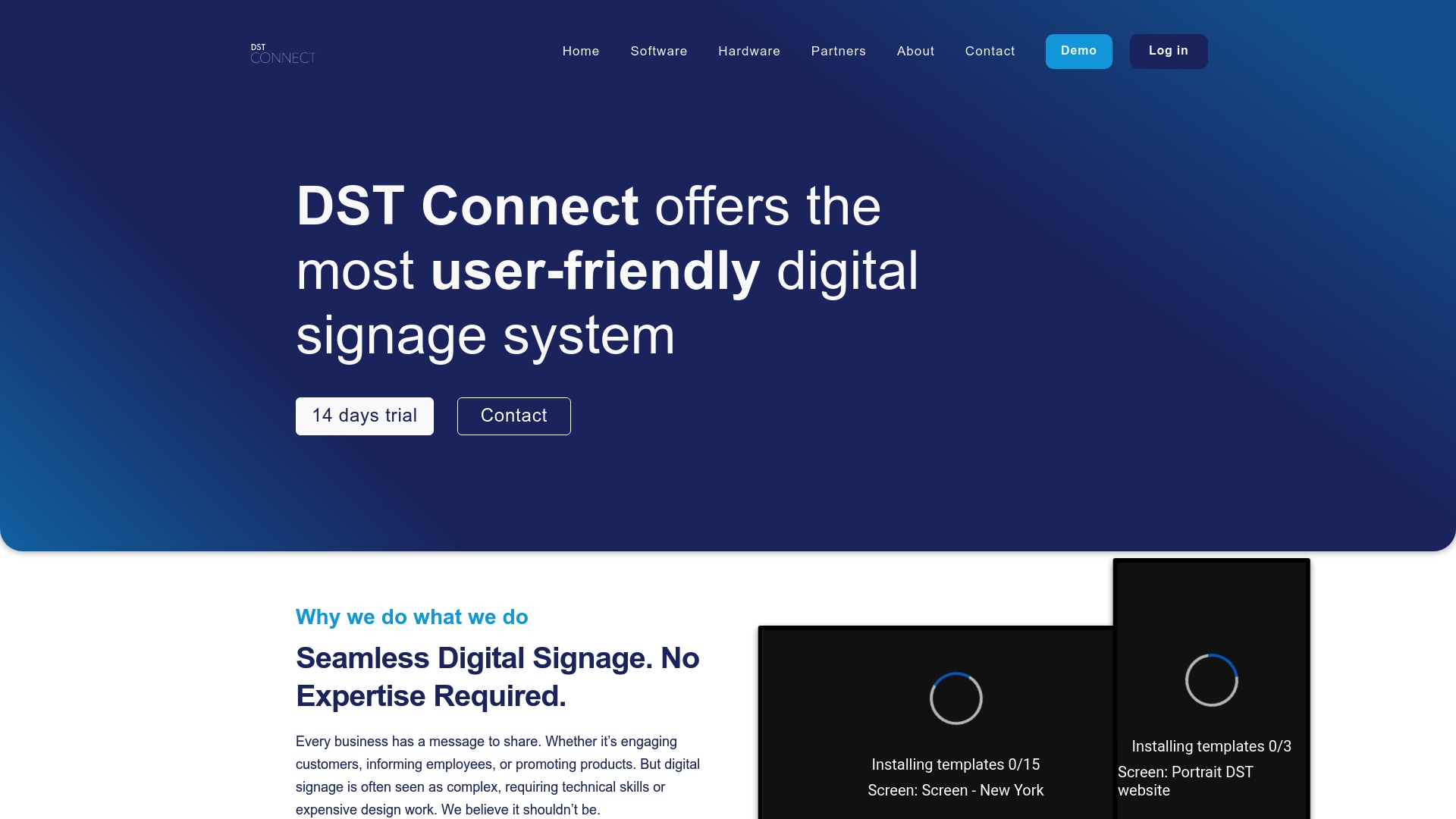
Test innovative, user friendly software capabilities through risk free trials that let you evaluate drag and drop editing, automated scheduling, and cloud based management with your actual content and team workflows. The platform supports Android, Windows, and URL based media players, providing flexibility to leverage existing hardware investments or deploy optimized new equipment.
Discover how DST Connect delivers scalable solutions that grow with your organization, from initial three screen deployments to enterprise networks spanning hundreds of locations worldwide. Comprehensive resources including setup guides and responsive support teams ensure marketing and IT professionals achieve deployment success quickly.
FAQ
What are pro AV tips for signage?
Professional audiovisual tips focus on selecting, integrating, and optimizing hardware and software combinations that maximize signage impact across diverse organizational environments. They encompass display technology selection, media player capabilities, content management strategies, and installation best practices. These strategies help marketing and IT professionals deploy systems that deliver consistent performance while minimizing operational complexity and long term costs.
How do I choose the right hardware for digital signage?
Consider screen resolution, brightness ratings, connectivity options, and compatibility with your chosen software platform when evaluating display hardware options. Match equipment specifications to your venue’s environmental conditions, viewing distances, and expected usage intensity. Commercial grade displays with proven durability ratings and comprehensive warranties provide better long term value than consumer models despite higher initial costs.
What software features matter most for signage management?
Prioritize intuitive interfaces that reduce training requirements, content scheduling automation, remote management capabilities, and integration options with existing marketing and information systems. Cloud based platforms enable real time updates across distributed screen networks without requiring on site technical visits. Trial options and demos help determine whether specific platforms match your team’s workflow preferences and technical capabilities before you commit to subscriptions.
How can I optimize digital signage on a budget?
Select scalable hardware and software solutions with flexible pricing plans that let you start small and expand incrementally as needs grow. Leverage free trial periods to validate platform capabilities before purchasing, and prioritize essential features over premium options that may not deliver proportional value. Focus initial deployments on high traffic locations where signage generates maximum impact, then expand to secondary locations as budgets allow and you refine content strategies.
Recommended
- Growing demand for digital signage – DST Connect
- DST Connect – Digital Signage hardware
- DST Connect | The best digital signage software | 14 days free trial
- DST Connect | The most user-friendly digital signage system
Enjoyed this blog?
Continue with the previous or next article and discover more ideas, insights and inspiration from DST Connect.