
Enhance school engagement: the role of content management
TL;DR:
- Content management systems centralize communication tools, improving engagement and trust in schools.
- Tailored, audience-specific messaging increases participation and reduces information overload.
- Consistent governance, regular training, and ownership are crucial for effective CMS use.
Schools invest significantly in communication tools, yet many still struggle with outdated websites, missed announcements, and disengaged parents. The gap between intention and impact is real, and it costs trust. Content management systems (CMS) have evolved well beyond simple web publishing. Today, they serve as the central hub for everything from emergency alerts to personalized parent updates. This article covers why CMS matters for schools, what it can do on a practical level, how to tailor content for every audience, and how to overcome the challenges that trip up even well-resourced institutions. If you want clearer communication and stronger community engagement, read on.
Table of Contents
- Why content management matters in schools
- Key functions and benefits of a school CMS
- Tailoring content for different audiences
- Overcoming common challenges in school content management
- What most schools miss about effective content management
- Explore smarter content management with DST Connect
- Frequently asked questions
Key Takeaways
| Point | Details |
|---|---|
| Centralized communication | A CMS brings all school content and alerts together for streamlined management. |
| Personalization boosts engagement | Targeted updates for parents, students, and staff increase information relevance and response rates. |
| Compliance and accessibility | Modern solutions help schools meet ADA and privacy standards automatically. |
| Consistent emergency plans | Pre-built templates and clear governance support rapid, reliable crisis communication. |
| Continuous improvement | Regular reviews and staff training keep content accurate and impactful. |
Why content management matters in schools
Understanding the stakes, let’s dive deeper into the specific reasons content management is increasingly crucial in schools.
Content management in education is not just about keeping a school website looking fresh. According to the 2025 K-12 CMS market, content management systems in schools manage website content, communications, and personalized digital experiences to enhance stakeholder engagement. That is a meaningful shift from traditional bulletin boards and weekly newsletters.
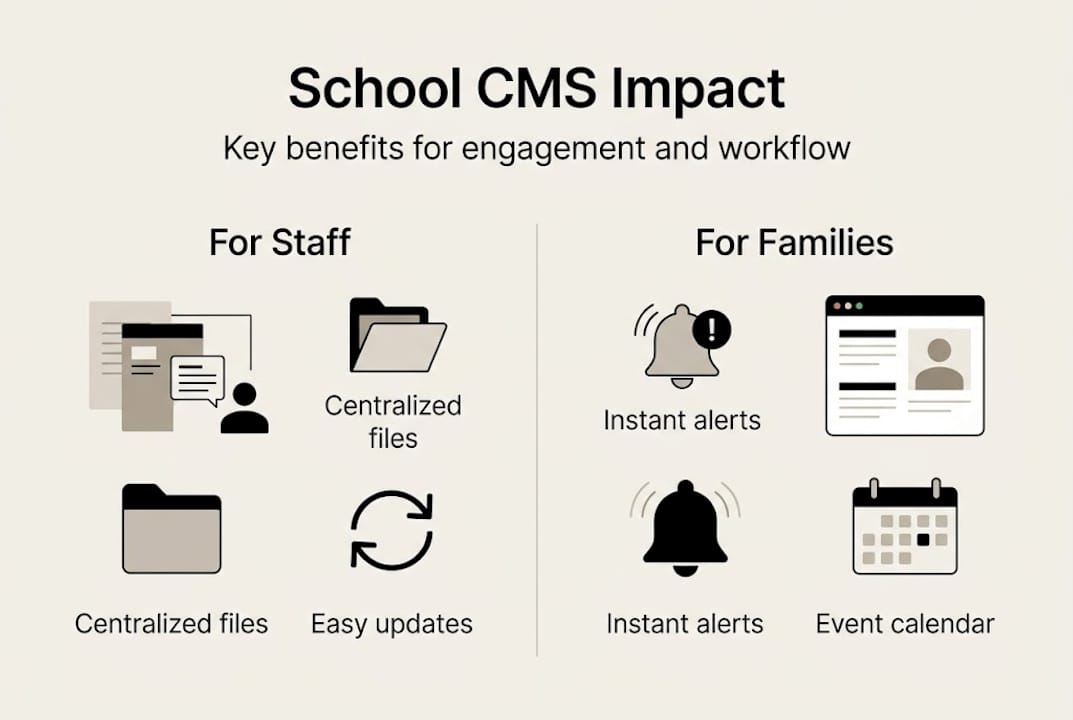
Traditional communication tools, such as printed flyers and one-way emails, create bottlenecks. They rely on manual updates, reach only a fraction of your audience, and offer no way to confirm that the message landed. A CMS centralizes everything: websites, digital displays, notification systems, and internal portals, all updated from one place.
Every school stakeholder group is affected differently.
- Parents need timely, accurate updates on school events, closures, and student progress.
- Students benefit from visible schedules, announcements, and motivational content on campus displays.
- Teachers and staff need clear internal communications, curriculum updates, and policy changes.
- Prospective families form their first impression based on what they see on your website and digital notice boards.
- Administrators need visibility and control across all channels.
The key functions a CMS serves include posting announcements, triggering emergency alerts, distributing curriculum updates, promoting events, and managing staff directories. Each of these tasks, when done manually, consumes hours every week.
| Communication type | Traditional method | CMS-enabled method |
|---|---|---|
| Emergency alerts | Phone trees, emails | Instant multi-channel push |
| Event promotion | Printed flyers | Automated web and display posts |
| Staff directory | PDF documents | Live, searchable database |
| Curriculum updates | Paper handouts | Gated parent/student portal |
First impressions still matter enormously. Prospective families, community partners, and even local media assess a school’s credibility partly through its digital presence. A CMS helps schools maintain a polished, consistent image across every channel. As highlighted in communication strategies for school leaders, targeted messaging with up-to-date information builds genuine trust with every audience group.
Up-to-date information is not optional. It signals that your school is organized, proactive, and cares about its community.
Key functions and benefits of a school CMS
Now that we’re clear on why CMS matters, what exactly can it do for your school on a day-to-day basis?
A well-implemented CMS consolidates all operational content in one location. Calendars, breaking news, staff directories, compliance documents, and board meeting minutes are all accessible from a single dashboard. This removes the frustrating scenario where parents find contradictory information on three different pages of the school website.
Crisis communication is where a CMS earns its place most clearly. A good platform provides pre-built templates and a defined chain of command so that when an emergency occurs, the right message goes out fast and consistently. No one is improvising under pressure.
The K-12 CMS market analysis shows that the K-12 CMS market is dominated by a few leading platforms, with a clear move toward unified solutions that bundle tools like AI, compliance features, and notifications. Schools benefit most from platforms that bring these together.
Here is what a modern school CMS delivers step by step:
- Centralized content hub: One dashboard for all school communications, eliminating duplicate or outdated posts.
- Personalized notifications: Push alerts segmented by role so parents, students, and staff only receive what is relevant to them.
- AI-powered features: Content suggestions, automated accessibility improvements, and even chatbots for common parent questions.
- Accessibility compliance: Built-in tools help schools meet ADA requirements and privacy standards without extra manual effort.
- Multi-channel publishing: One piece of content can be published simultaneously to the website, digital displays, and email.
For schools exploring how digital engagement tools fit into the broader picture, looking at interactive display examples can be eye-opening. Interactive displays paired with a CMS create a seamless information flow between administration and students.
Pro Tip: Use pre-built content templates for urgent communications. When a situation escalates quickly, templates reduce the time from decision to publication from hours to minutes. They also ensure consistent tone and accuracy across all channels.
A CMS also handles the less exciting but equally important work: making sure every page of your school website meets legal accessibility standards. That means proper alt text on images, readable font sizes, and compliant contrast ratios, managed automatically rather than checked by hand.

Tailoring content for different audiences
With so much information, getting the right message to the right person is key. Let’s explore how best-in-class schools achieve this.
Segmented messaging is one of the most underused capabilities in school content management. Not every message is for everyone. A PTA meeting reminder is only relevant to parents. A power outage alert is for the entire community. Sports schedule updates are primarily for students and sports families. Sending everything to everyone creates what communication experts call information fatigue, and it leads to people tuning out entirely.
The approach to tailor messages by audience follows a clear framework: identify what each audience needs to know, how you want them to feel, and what action you want them to take. That three-part structure makes every message purposeful.
Here is how schools can think about audience-based content:
- Parents: School policies, event invitations, progress updates, emergency notices
- Students: Bell schedules, cafeteria menus, club announcements, motivational content on hallway displays
- Teachers and staff: HR updates, professional development opportunities, policy changes
- Community and prospective families: Achievements, extracurricular programs, enrollment information
The common mistake schools make is treating their entire contact list as one audience. One weekly newsletter crammed with sports results, board meeting agendas, and cafeteria menus serves no one well. Each group gets overwhelmed and begins to ignore all communications, including the important ones.
Personalization lifts engagement across the board. When a parent receives only information that directly affects their child’s grade level or program, they are far more likely to act on it. That means higher event attendance, better form return rates, and stronger overall trust in school communications.
Pro Tip: Review your last three months of outgoing communications. How many messages were truly audience-specific? Look at open rates or engagement data to identify where content was too broad. Adjust your distribution lists accordingly.
For schools looking to build deeper engagement through engaging signage strategies, targeted display content on campus works on the same principle: the right message for the right viewer at the right time. You can also find practical content creation tips to help your team produce relevant, audience-focused material efficiently. Research into content-driven K-12 strategies confirms that personalization is at the center of educational communication improvements in 2026.
Overcoming common challenges in school content management
Even with robust platforms, schools face real-world challenges in content management. Here’s how to tackle them.
The biggest operational hurdle most schools encounter is decentralized content input. When every department publishes independently, information becomes inconsistent. The athletic director posts one version of the event schedule, the main office posts another, and parents are left confused. A CMS with defined roles and approval workflows solves this by routing content through a consistent review process before it goes live.
Accessibility and compliance present a different kind of pressure. Modern digital display content and web pages must meet ADA standards, and structured content matters for AI-powered improvements down the line. Schools that invest in structured, compliant content now will be better positioned to benefit from AI-driven personalization in the future.
Crisis communication failure is one of the most visible and damaging problems a school can face. According to a practical school crisis communication plan, crisis communications require pre-written templates and governance structures to prevent inconsistencies during high-pressure moments.
“A crisis communication plan is not just a document. It is a practiced, governed process that every staff member understands before an emergency happens.”
Here is a step-by-step approach to building stronger content governance:
- Create a content governance policy: Define who can publish what, and establish a review chain for sensitive or urgent content.
- Schedule regular content audits: Set quarterly reviews to remove outdated pages, update staff directories, and refresh key landing pages.
- Train your team consistently: Run short, practical CMS training sessions at the start of each school year and after platform updates.
- Prepare crisis templates in advance: Draft messaging for the most likely emergency scenarios so staff only need to fill in the specifics when needed.
- Track and review engagement: Use CMS analytics to see which communications drive action and which get ignored, then refine your approach.
Consistency, governance, and regular review are not glamorous. But they are the difference between a CMS that transforms communication and one that collects digital dust.
What most schools miss about effective content management
Having explored solutions, it’s time for a frank look at what gets overlooked even by well-intentioned schools.
The honest truth is that most schools implement a CMS with high expectations and then underuse it within six months. Why? Because the platform gets deployed, but the habits do not change. Administrators still rely on ad-hoc emails. Teachers still print handouts. Content goes stale because no one owns the update process.
Technology is only as strong as the culture behind it. The schools that see the biggest gains from content management are not necessarily the ones with the most sophisticated platforms. They are the ones with clear ownership, scheduled governance reviews, and a shared commitment to communication clarity.
Investing in training is not a one-time event. It needs to be built into the school calendar, just like fire drills or professional development days. When staff understand the tools and trust the process, content quality improves significantly.
Pro Tip: Even the best CMS fails without scheduled governance reviews. Block time in the school calendar at least once per quarter to audit your digital content. Check accuracy, accessibility, and relevance across every channel.
Building a communication culture is the real work. The platform enables it. For schools ready to develop stronger content habits, exploring content creation best practices is a practical starting point.
Explore smarter content management with DST Connect
If you’re ready to move from understanding to action, explore practical tools that support your communication strategy.
DST Connect offers schools an intuitive, cloud-based platform to manage digital signage and content across every campus display and channel. With over 600 professionally designed templates, a drag-and-drop editor, and multi-screen control from a single dashboard, your team can keep communications fresh, compliant, and engaging without needing technical expertise. Try the digital signage software free for 14 days and see how easy it is to bring your content strategy to life. For structured training and best practices, visit DST Academy and give your team the skills to succeed from day one.
Frequently asked questions
What is a content management system (CMS) in a school context?
A school CMS is software that manages digital content, such as websites, news, and alerts, for both internal and public communication. Content management systems in schools manage website content, communications, and personalized digital experiences, making engagement easy for parents, students, and staff.
How does a CMS improve parent and student engagement?
A CMS delivers timely, personalized updates and resources, streamlining important communications and events for families and students. The key is to tailor messages by audience with clear goals around what each group needs to know, feel, and do.
Do schools need to worry about CMS accessibility?
Yes, accessibility is vital. Modern CMS solutions help schools meet ADA and compliance standards, and structured content matters for AI-powered improvements, ensuring digital content is usable and future-ready for everyone.
What are the most important features in a school CMS?
Look for unified platforms with notifications, accessibility tools, compliance features, and AI-powered personalization managed from a central dashboard. The K-12 CMS market is clearly moving toward these bundled, all-in-one solutions.
How do schools handle communications during a crisis?
Pre-written templates and chain-of-command guidelines within a CMS help schools issue clear, rapid updates without improvising under pressure. Crisis communications require structured governance to stay consistent and accurate when it matters most.
Recommended
Enjoyed this blog?
Continue with the previous or next article and discover more ideas, insights and inspiration from DST Connect.