
Content creation tips for signage to boost engagement
Creating digital signage content that truly captures attention is one of the toughest challenges marketing managers face today. Your message competes with countless distractions in busy retail stores, hospital lobbies, hotel entrances, and school hallways. The difference between content that converts and content that gets ignored often comes down to a few critical design and messaging choices. Whether you manage displays for retail promotions, healthcare wayfinding, hospitality menus, or educational announcements, mastering these proven content creation strategies will transform your signage from background noise into a powerful engagement tool that delivers measurable results.
Table of Contents
- Key takeaways
- Master the basics: 3-second rule, fonts, and readability
- Tailor content strategically: audience, location, and timing
- Sector-specific content tips and measurable ROI benefits
- Optimize workflow and content management for agility and impact
- Explore DST Connect digital signage solutions
- FAQ
Key Takeaways
| Point | Details |
|---|---|
| Three Second Rule | Content must be quickly understood within three seconds to engage passersby in high traffic environments. |
| Clear Readable Fonts | Sans serif fonts with high contrast improve readability at distance on digital displays. |
| Concise Messaging | Limit text to seven to ten words per screen to maintain clarity and speed. |
| Tailor by Audience and Location | Identify the primary audience for each space and craft messages that fit their needs and the dwell time. |
| Test Real Viewing Distances | Walk the space and observe sightlines to ensure content reads correctly from the intended distance. |
Master the basics: 3-second rule, fonts, and readability
Effective signage content starts with understanding how viewers actually consume information in real-world environments. The 3-second rule dictates that content must be comprehensible within three seconds or less for passing viewers, especially in high-traffic zones where dwell time is minimal. This constraint forces you to prioritize clarity and simplicity above all else.
Font selection directly impacts whether your message gets read or ignored. Sans-serif fonts with high contrast improve readability at varying distances, making them the gold standard for digital displays. Font size must scale with viewing distance: use 20-24pt for 1-2 meters, 36-48pt for 3-5 meters, and 72pt or larger for 5-10 meters. Dark text on light backgrounds or white text on dark backgrounds provides the contrast needed for quick comprehension.
Keep your text brutally concise. Aim for 7-10 words per screen maximum. Prioritizing readability over beauty means stripping away decorative elements that compete for attention. White space is your ally, giving the eye room to focus and reducing visual fatigue. Cluttered screens overwhelm viewers and guarantee your message gets lost.
Pro Tip: Test your content from the actual viewing distance before deploying it. What looks perfect on your laptop screen often fails in the real environment. Walk the space, observe sightlines, and adjust accordingly.
“The most effective signage content answers one question clearly: What do I need to know right now?”
Consider digital display templates as starting points that already incorporate these readability principles, saving you design time while ensuring professional results.
Tailor content strategically: audience, location, and timing
Generic content fails because it speaks to everyone and no one simultaneously. Start by identifying your primary audience in each specific location. A display in a hospital waiting room serves anxious patients seeking information, while a retail entrance display targets shoppers ready to buy. Tailoring content to audience, location, dwell time, and dayparting dramatically improves effectiveness by delivering relevant messages at the right moment.
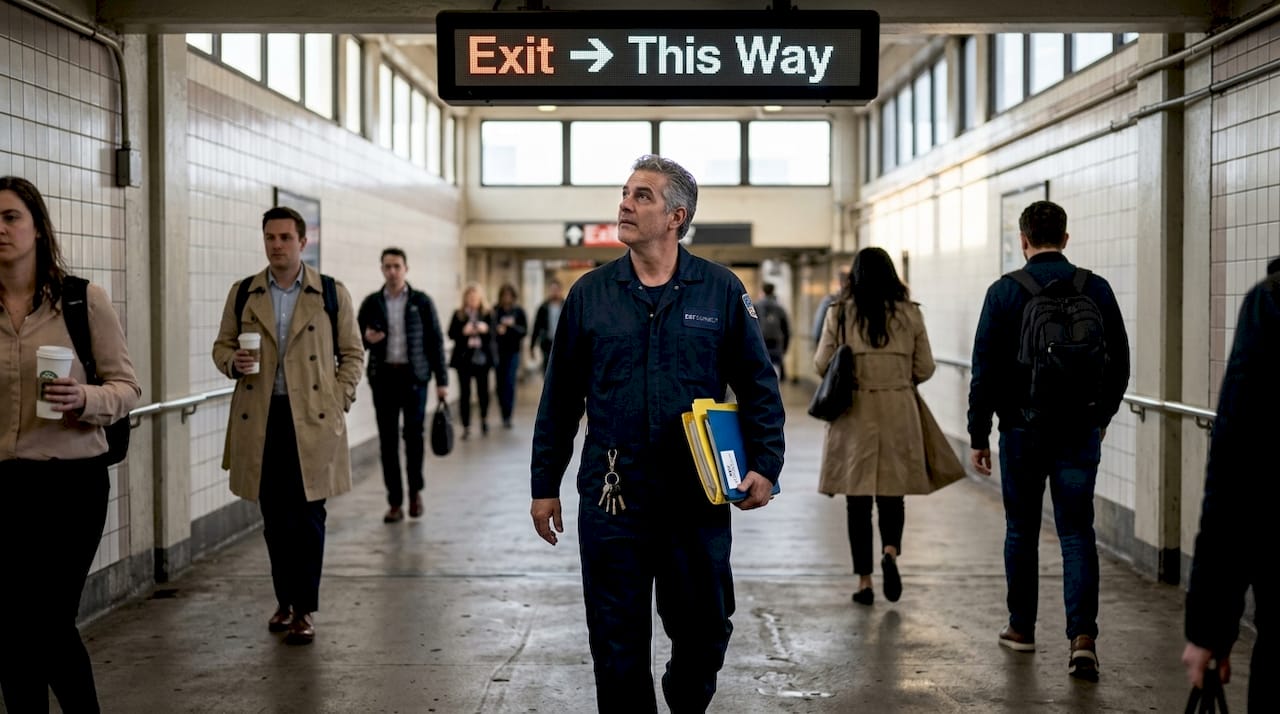
Physical environment shapes content strategy. High-traffic corridors with short dwell times require simple, bold messages viewers can absorb while walking. Waiting areas with longer dwell times allow for more detailed content, educational tips, or entertainment. Analyze typical viewer behavior patterns in each location to match content complexity with available attention.
Dayparting leverages time of day to display contextually appropriate content. Morning coffee shop displays might highlight breakfast combos and loyalty programs, while afternoon messages shift to snack promotions and happy hour previews. Retail stores can feature different products during peak shopping hours versus slow periods. This strategic timing ensures your content aligns with immediate viewer needs and mindsets.
Sector-specific messages resonate because they address unique pain points. Retail thrives on flash sales, limited-time offers, and customer testimonials that trigger purchase decisions. Healthcare displays reduce anxiety with wait time updates, wayfinding assistance, and preventive health tips. Hospitality enhances guest experience through dynamic menus, local event information, and amenity highlights. Education builds community with recognition walls, safety alerts, and campus announcements.
Pro Tip: Create audience personas for each display location. Document their typical questions, concerns, and goals. Design content that directly addresses these specific needs rather than broadcasting generic information.
Explore interactive signage options for locations where engagement depth matters more than quick glances. Understanding digital signage demand trends helps you stay ahead of audience expectations as technology evolves.
Sector-specific content tips and measurable ROI benefits
Different industries require distinct content approaches backed by proven performance data. Retail digital signage delivers impressive returns when focused on conversion drivers. Flash sales and testimonials increase sales by 32% by creating urgency and social proof at the point of decision. Short promotional loops highlighting bestsellers, seasonal items, and exclusive deals keep content fresh and action-oriented. Customer reviews displayed prominently build trust and validate purchase choices.
Healthcare environments benefit from content that reduces stress and improves navigation. Patient satisfaction increases by 22% when displays provide clear wayfinding, real-time wait updates, and health education. Even more striking, effective signage reduces lost patients by 72%, directly impacting operational efficiency and patient experience. Content should prioritize clarity, calming visuals, and immediately useful information like appointment reminders and department locations.
Hospitality venues leverage signage to enhance guest satisfaction and streamline operations. Retailer satisfaction improves by 30% when hotel common areas feature dynamic menus, local attraction guides, and event schedules. Campaign setup time drops by 58% using templated content systems, freeing staff to focus on guest service. Seasonal promotions, dining specials, and spa packages displayed strategically drive incremental revenue.
Educational and corporate settings use signage to build culture and cut costs. Employee engagement rises 37% with recognition displays, achievement celebrations, and internal communications. Schools benefit from safety alerts, event calendars, and student accomplishments showcased prominently. Printing costs decrease by 50% as digital displays replace posters, flyers, and bulletin boards.
| Sector | Top content types | Key ROI metric |
|---|---|---|
| Retail | Flash sales, testimonials, promotions | 32% sales increase |
| Healthcare | Wait times, wayfinding, health tips | 22% satisfaction boost, 72% fewer lost patients |
| Hospitality | Dynamic menus, events, local guides | 30% retailer satisfaction gain |
| Education/Corporate | Recognition, safety alerts, announcements | 37% engagement lift, 50% print cost reduction |
These metrics demonstrate that strategic content creation directly impacts business outcomes. Learn advanced display optimization in our Pro AV signage tips guide to maximize these benefits.
Optimize workflow and content management for agility and impact
Even brilliant content fails if your workflow cannot deliver it consistently and efficiently. Implementing templated designs ensures brand consistency while dramatically accelerating content production. Templates provide proven layouts optimized for readability, allowing your team to focus on messaging rather than reinventing design with each update. This standardization also simplifies approval processes and reduces errors.
Content management systems with robust scheduling capabilities transform signage effectiveness. Using CMS tools to rotate and schedule content enables automated dayparting, location-specific messaging, and seasonal campaigns without manual intervention. Plan to update signage content quarterly at minimum, or whenever marketing goals shift. Automation ensures timely refreshes that keep displays relevant and engaging.
Follow these workflow optimization steps:
- Establish clear approval workflows with designated stakeholders for each content type and location
- Create a content calendar mapping campaigns, seasonal themes, and rotation schedules across all displays
- Build a template library organized by sector, message type, and display orientation for quick deployment
- Implement version control to track content changes, performance data, and approval history
- Schedule regular content audits to identify stale messages, outdated information, and improvement opportunities
A/B testing reveals what actually works versus what you assume works. Testing content variations shows which headlines, images, colors, and calls to action drive engagement. Run controlled tests changing one variable at a time, measure results over statistically significant periods, and apply learnings to future content. This data-driven approach continuously improves performance.
Pro Tip: Designate a content champion for each display location who understands local audience needs and can provide real-world feedback on what resonates. Their insights prevent the disconnect that happens when content creators never see displays in action.
Avoiding workflow failures requires addressing common pitfalls: unclear approval chains that delay updates, content clutter that overwhelms viewers, and excessive motion that distracts rather than attracts. Keep animations purposeful and minimal. Every element should serve the core message, not compete with it.
| Traditional workflow | Optimized workflow |
|---|---|
| Manual content updates per screen | Centralized CMS with automated scheduling |
| Design from scratch each time | Template library with brand-compliant options |
| Unclear approval process | Defined stakeholder roles and deadlines |
| Guess what works | A/B testing with performance metrics |
| Static seasonal content | Dynamic dayparting and location targeting |
Explore our signage templates guide for ready-to-use designs that streamline production. Understanding cross-platform signage management becomes critical as your display network grows across different hardware and locations.
Explore DST Connect digital signage solutions
Putting these content creation strategies into practice becomes significantly easier with the right platform supporting your efforts. DST Connect offers intuitive digital signage software designed specifically for marketing managers who need powerful CMS capabilities without technical complexity. The cloud-based dashboard lets you schedule content, apply templates, and manage displays globally from anywhere.
Our library of over 600 professionally designed templates addresses retail, healthcare, hospitality, and education sector needs, giving you proven starting points that incorporate readability best practices. The drag-and-drop editor makes customization simple, while automated scheduling handles dayparting and content rotation seamlessly. Compatible with Android, Windows, and URL-based media players, DST Connect works with your existing digital signage hardware investment.
Try DST Connect free for 14 days to experience how streamlined content management transforms your signage effectiveness. Our setup guide and expert support ensure fast onboarding, so you can implement the strategies covered in this article immediately and start seeing measurable engagement improvements.
FAQ
How quickly should content be readable on digital signage?
Content must be comprehensible within 3 seconds to effectively capture attention in most environments. This rule becomes especially critical in high-traffic areas where viewers pass quickly, such as retail corridors, hospital hallways, or hotel lobbies. Design every screen assuming viewers will glance once for three seconds maximum, forcing ruthless prioritization of your core message.
What font sizes are best for signage readability at different distances?
Font sizes should scale with viewing distance: 20-24pt for 1-2 meters, 36-48pt for 3-5 meters, and 72pt or larger for 5-10 meters. Sans-serif typefaces with high contrast between text and background maximize legibility. Always test from actual viewing positions, as screen brightness, ambient lighting, and viewer angle affect readability in ways desktop previews cannot predict.
How often should digital signage content be updated?
Update content quarterly at minimum, or whenever marketing goals, seasonal campaigns, or business priorities change. Stale content trains viewers to ignore your displays, while fresh messages maintain engagement and relevance. Leverage CMS scheduling tools to automate rotations, ensuring consistent updates without manual effort. High-traffic locations with repeat viewers benefit from even more frequent refreshes to prevent message fatigue.
What content types work best for different sectors?
Retail excels with short promotions, flash sales, limited-time offers, and customer testimonials that drive immediate purchase decisions. Healthcare prioritizes wayfinding maps, real-time wait updates, appointment reminders, and preventive health tips that reduce anxiety. Hospitality focuses on dynamic menus, local event calendars, amenity highlights, and seasonal packages that enhance guest experience. Education and corporate environments feature recognition walls, safety alerts, event announcements, and internal communications that build community and culture. Tailor every message to address the specific needs and pain points of each sector’s audience.
Recommended
Enjoyed this blog?
Continue with the previous or next article and discover more ideas, insights and inspiration from DST Connect.