
How to manage retail screens for engaging digital signage
Retail screens have real power to drive customer engagement and boost sales, but only when they are managed with intention. Many retail managers and marketing directors invest in digital displays and then watch that investment underperform because of stale content and poor CMS usability. Without a clear strategy, coordinated workflows, and the right tools, screens become expensive wallpaper. This guide walks you through every stage of retail screen management, from identifying common pitfalls to setting up your network, planning content, choosing a CMS, and measuring real results.
Table of Contents
- Understanding the challenges of managing retail screens
- Essential tools and prerequisites for effective screen management
- How to set up and organize your retail screen network
- Planning and scheduling content for your screens
- Choosing and using a CMS for retail digital signage
- Measuring and optimizing screen performance
- Scale your success with DST Connect digital signage solutions
- Frequently asked questions
Key Takeaways
| Point | Details |
|---|---|
| Start with a pilot | Test in key high-traffic stores to prove return before scaling your signage network. |
| Prioritize user-friendly CMS | A simple content management system keeps in-store screens fresh and engaging. |
| Plan content in advance | A content calendar ensures alignment, variety, and consistency for your retail screens. |
| Measure actual outcomes | Track engagement and sales uplift, not just uptime, to maximize the value of your screens. |
Understanding the challenges of managing retail screens
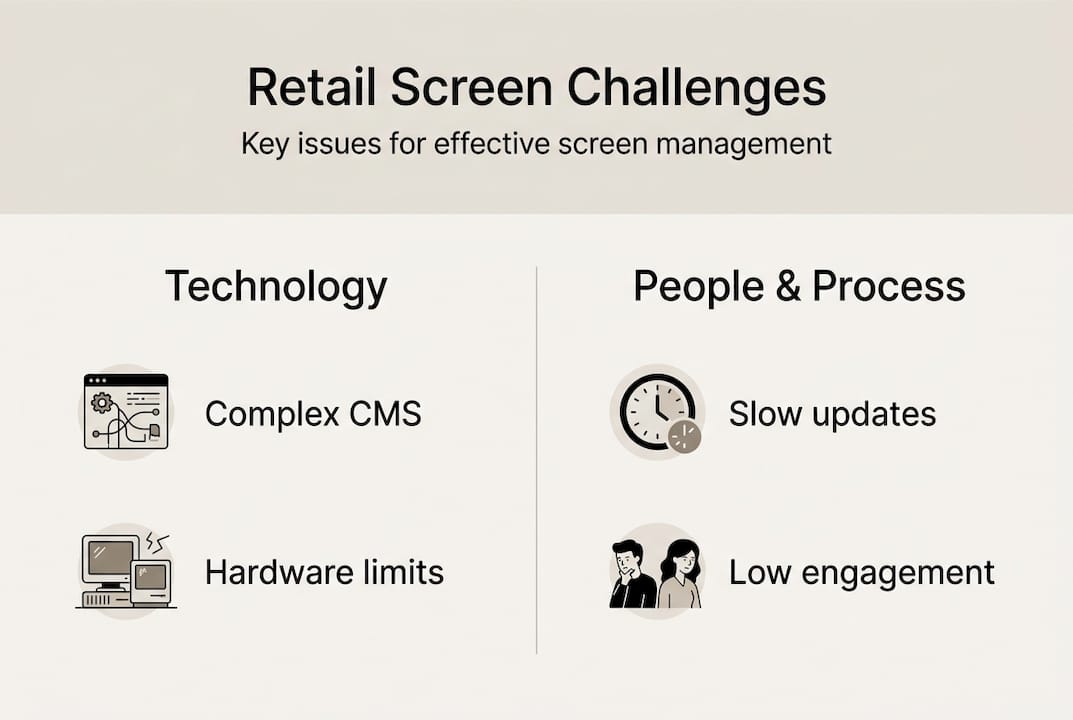
Before you can fix a problem, you need to name it. Most retail signage programs struggle with the same recurring issues, and recognizing them is the first step toward solving them.
Here are the most common challenges retail teams face:
- Stale content: Screens go weeks without updates because no one owns the task or the tools are too complex.
- Multi-location coordination: Managing content across dozens or hundreds of stores creates version control nightmares.
- Neglected ROI: Teams focus on whether screens are on, not whether they are working.
- No content calendar: Without a plan, content becomes reactive and inconsistent.
- CMS usability barriers: When the software is hard to use, teams stop using it regularly.
“The most common failure in retail digital signage is poor CMS usability that leads to stale content. The fix is to measure outcomes, not uptime.”
These challenges compound each other. A hard-to-use CMS leads to infrequent updates, which leads to disengaged customers, which leads to poor ROI. Breaking that cycle requires both the right mindset and the right infrastructure.
Essential tools and prerequisites for effective screen management
Once you understand what is holding most retailers back, you need the right foundation before you can manage screens well. Think of this as your pre-launch checklist.
| Tool | What to look for | Why it matters |
|---|---|---|
| Screens and hardware | Compatibility, brightness, placement | Poor placement kills engagement regardless of content quality |
| CMS software | Ease of use, scalability, cloud access | Determines how often your team actually updates content |
| Content planning resources | Templates, brand assets, calendar | Prevents reactive, inconsistent messaging |
| Network and connectivity | Reliable remote access | Enables real-time updates without on-site visits |
| Analytics tools | Playback logs, engagement data | Proves ROI and guides optimization |
Beyond the tools themselves, your approach to rollout matters enormously. Piloting in high-traffic stores before scaling lets you prove ROI with real data and refine your setup before committing to a full network deployment.
Key prerequisites to have in place before launch:
- A defined content owner or team responsible for updates
- Brand guidelines adapted for digital display formats
- A content calendar template ready to populate
- A tested CMS workflow your team can execute without IT support
Pro Tip: Before selecting a CMS, run a live test with your actual marketing team, not just IT. If they struggle to publish a simple update in under five minutes, the tool is too complex for sustainable use. You can also review how to optimize displays for placement and hardware best practices.
How to set up and organize your retail screen network
With foundational tools in place, it is time to move from planning to execution by organizing your screen network for success. A structured setup process prevents the chaos that derails most rollouts.
Follow these steps to build a well-organized network:
- Identify pilot locations. Choose two or three high-traffic stores where results will be visible and measurable quickly.
- Install and connect screens. Confirm hardware compatibility with your CMS and test connectivity before going live.
- Centralize control. Set up your CMS dashboard so all screens are visible and manageable from one interface.
- Assign roles. Define who creates content, who approves it, and who monitors performance at each location.
- Establish operating procedures. Document how updates are submitted, reviewed, and published so the process is repeatable.
| Approach | Centralized CMS | Decentralized management |
|---|---|---|
| Update speed | Fast, real-time | Slow, location-dependent |
| Brand consistency | High | Variable |
| IT dependency | Low | High |
| Scalability | Excellent | Limited |
Starting small is not a compromise. Proving ROI before scaling is the smartest way to build internal support and secure budget for a full rollout. A successful pilot gives you data, confidence, and a repeatable playbook.
Planning and scheduling content for your screens
A well-organized network is only as good as the content you present. Effective content planning is what separates high-performing signage programs from ones that fade into the background.
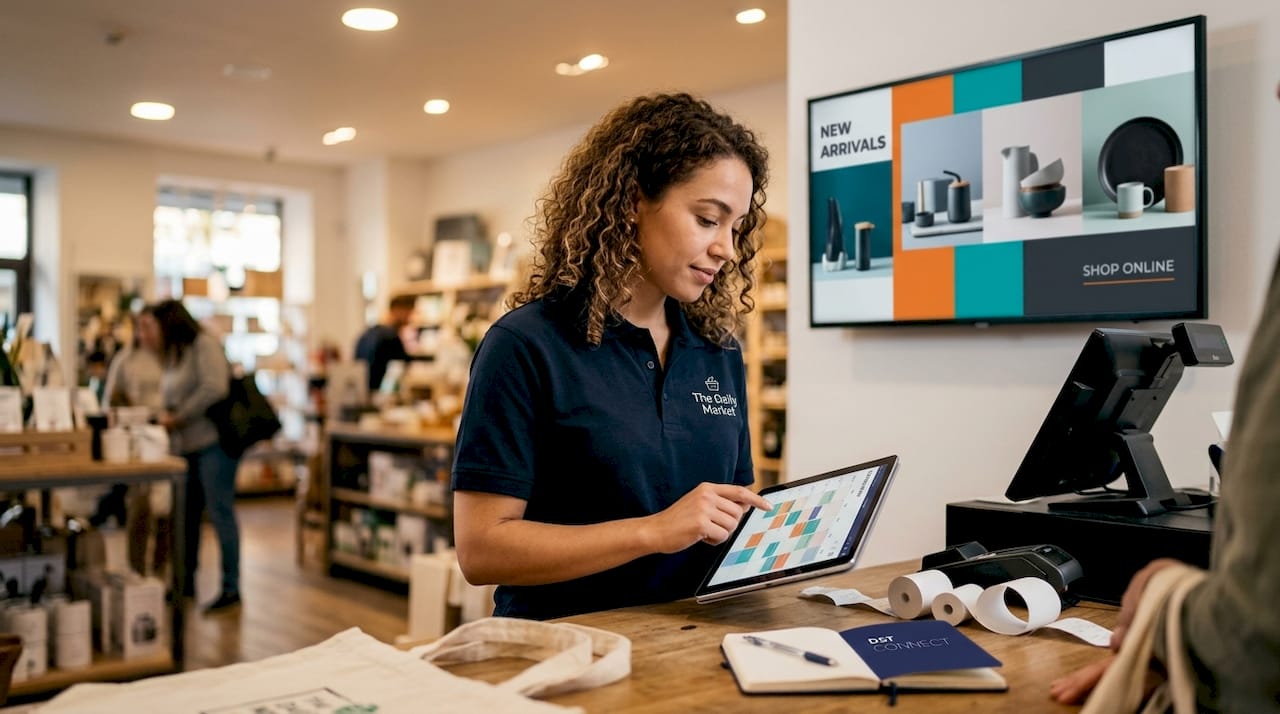
A content calendar is your most important planning tool. Skipping a content calendar is one of the most common strategy gaps in retail signage, and it shows on screen. When content is planned in advance, it aligns with promotions, seasons, and brand campaigns rather than reacting to them.
Types of content to plan and schedule:
- Promotional content: Time-sensitive offers, flash sales, and product launches
- Seasonal messaging: Holiday themes, back-to-school, and regional events
- Brand storytelling: Values, product education, and loyalty program highlights
- Interactive or data-driven content: Live feeds, countdowns, and personalized messaging
Scheduling tips that make a real difference:
- Localize content by region or store type so messaging feels relevant, not generic
- Build in a weekly review cycle to catch outdated content before customers do
- Use your CMS scheduling features to automate transitions between campaigns
Pro Tip: Use a display template guide to standardize your creative formats across locations. Consistent templates reduce production time and keep your brand looking sharp everywhere. You can also streamline your workflow by reviewing how to optimize your display process for repeatable efficiency.
Choosing and using a CMS for retail digital signage
Your content plan only delivers value if your team can execute it efficiently. That is why your CMS choice is one of the most consequential decisions in your signage program.
Poor CMS usability directly causes stale content. When publishing an update requires multiple steps, technical knowledge, or IT involvement, teams simply stop doing it. The result is screens that show last month’s promotion or, worse, a blank display.
Core features to prioritize in a retail CMS:
- Intuitive interface: Your marketing team should be able to publish without training every time
- Role-based permissions: Control who can edit, approve, and publish at each location
- Content scheduling: Set campaigns to go live and expire automatically
- Cloud access: Update any screen from anywhere without on-site visits
- Staging and rollback: Preview content before it goes live and revert quickly if something goes wrong
Cloud-based CMS platforms offer clear advantages over on-premise systems for multi-location retailers. They reduce IT overhead, enable real-time updates, and scale without additional infrastructure costs.
Pro Tip: Look for a simple digital signage CMS that integrates with your existing retail tech stack, including your POS, inventory system, or marketing automation tools. Integration means your screens can reflect real-time data without manual updates. A user-friendly signage system is the difference between a team that updates content daily and one that updates it monthly.
Measuring and optimizing screen performance
Managing screens is an ongoing process. Systematic measurement and optimization make all the difference in sustaining ROI over time.
“The goal is to measure outcomes, not uptime. A screen that is on but showing irrelevant content is not performing.”
Start by defining KPIs that reflect actual business impact:
| KPI | What it measures | How to track it |
|---|---|---|
| Dwell time | How long customers engage with a screen | Camera analytics or sensor data |
| Content playback success | Whether scheduled content ran correctly | CMS playback logs |
| Sales uplift | Revenue change tied to signage campaigns | POS data comparison |
| Customer engagement | Interaction with interactive content | Touch or QR scan data |
Once you have baseline data, use these steps to optimize continuously:
- Run A/B tests. Show two versions of a message in similar stores and compare results after two weeks.
- Review playback logs weekly. Catch technical failures before they become long-term problems.
- Gather store-level feedback. Frontline staff often notice what customers respond to before the data does.
- Refine visuals and messaging. Use engagement data to double down on what works and retire what does not.
For deeper guidance on hardware and placement optimization, the display optimization tips resource covers practical steps to get more from your existing screens.
Scale your success with DST Connect digital signage solutions
Ready to turn strategy into reality? DST Connect is built specifically for organizations that need to manage multiple screens across locations without complexity. The platform offers a centralized cloud-based CMS with real-time update capabilities, role-based permissions, and detailed analytics so you can track outcomes, not just uptime. With over 700 professionally designed templates and an intuitive drag-and-drop editor, your marketing team can publish polished content without design or technical expertise. The DST Connect software is compatible with Android, Windows, and URL-based media players, making it easy to integrate with your existing hardware. Try the DST Connect platform with a free trial and see how much simpler retail screen management can be.
Frequently asked questions
What is the most common mistake in managing retail screens?
Failing to keep content fresh is the top pitfall, usually caused by poor CMS usability or the absence of a content calendar that keeps updates on schedule.
How can I prove ROI before scaling my digital signage network?
Start with a pilot in a high-traffic store and measure outcomes like sales uplift and audience engagement. Proving ROI before scaling gives you the data and internal support needed for a confident full rollout.
What KPIs matter most for retail digital signage?
Focus on content engagement, sales uplift, dwell time, and message recall rather than just uptime. Measuring outcomes over technical availability is what reveals whether your signage is actually working.
Can I automate content scheduling across multiple locations?
Yes. A cloud-based CMS with robust scheduling and permission controls lets you automate campaign transitions and target specific content to individual stores or regions without manual intervention at each site.
Recommended
Enjoyed this blog?
Continue with the previous or next article and discover more ideas, insights and inspiration from DST Connect.